


Command Prompt Commands Related to Disk management for Windows
Disk Management is an extension of the Microsoft Management Console. This is an integral part of the Windows operating system. It enables complete management...
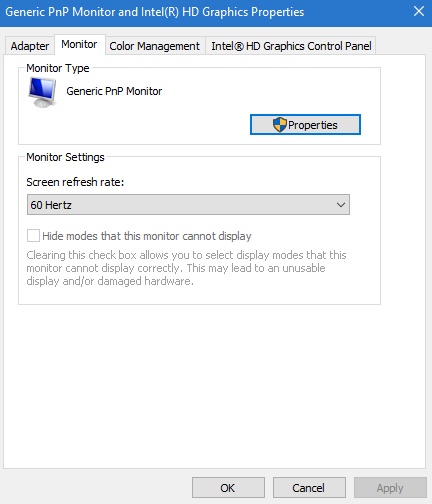
How To Change The Refresh Rate For Your Display On Windows...
Resolution is one of the major parameters of measuring the quality of a monitor of a PC or laptop. While price is one of...
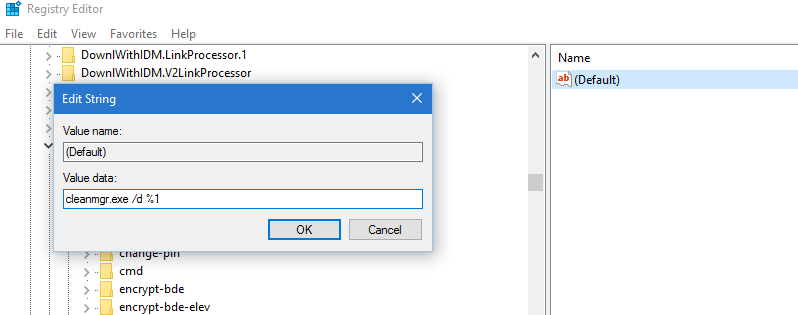
How to add Disk Cleanup to the Right-Click Menu for a...
Disk Cleanup is an important maintenance utility function in Windows operating system. The main function of a disk cleanup is to free up a...
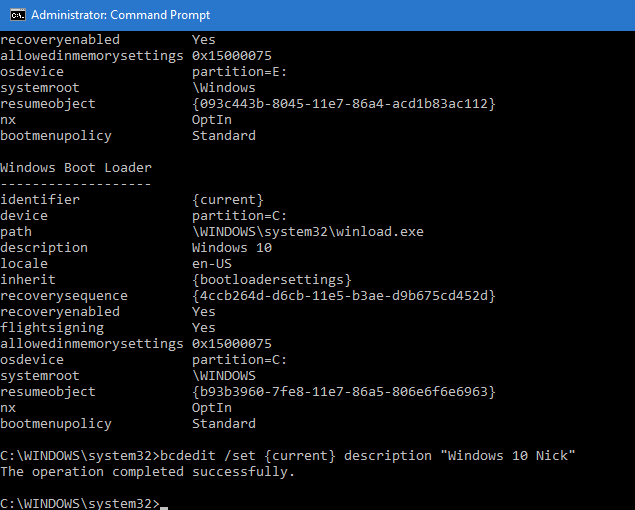
How to change Operating System name in the Boot Screen in...
We often use multiple operating systems on a single computer. In that case, it is always a good idea to coin different names to...

How To Fix Thumbnail Cache Deleting At Boot In Windows 10...
Thumbnail is the miniature view of a file that represents what the file is all about. Thumbnail is present for every type of files,...

How to Restart Application Information Service in Windows 10?
The application information service in Windows 7,8.1 and 10 is a service that enables the operating system to provide certain applications the elevated (administrative)...

How To Enable/Disable Autocomplete For File Explorer In Windows 10?
While using the run window to open certain settings option like registry editor, Services, Local group Policy Editor or device manager, you have to...
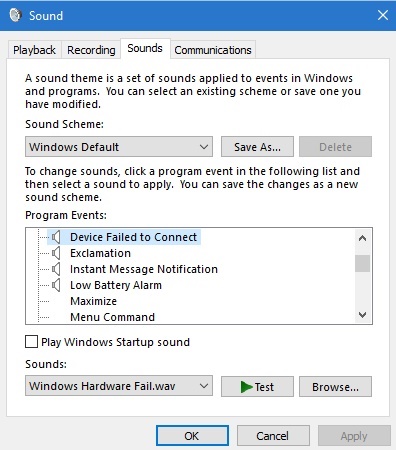
How To Change Device Failed To Connect Notification Sound In Windows...
You must have heard the typical pop up sound whenever the PC fails to connect to another device, in a Windows 10 computer. Windows...
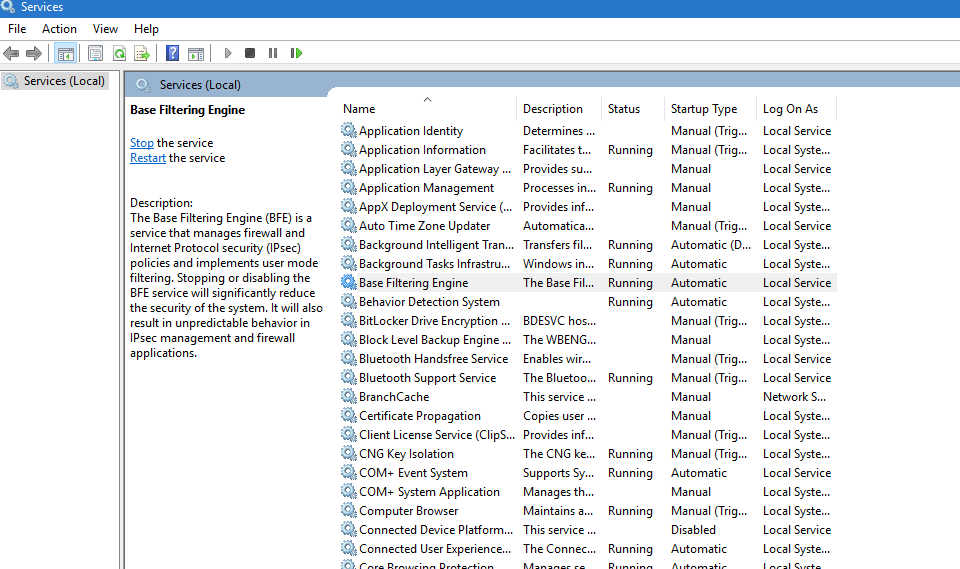
How to Solve Missing Base Filtering Engine in Windows 10?
Base Filtering Engine or BFE is a filtering platform that allows the operating system to filter programs and softwares that can cause havoc to...
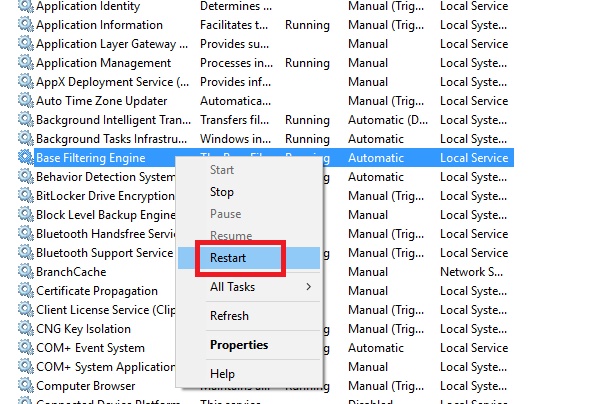
How to Start/ Restart Base Filtering Engine in Windows 10?
Often Windows users encounter a problem, that the base filtering engine is missing or access is denied. In this context, I would like to...