

A Complete List Of Magnifier Keyboard Shortcuts in Windows 10
Windows operating system has keyboard shortcuts for almost everything, including File Explorer, normal keyboard operations and even tools for Ease of Access. In this...
How To Access FTP Server using Windows Command Prompt?
An FTP server is a pillar of any website. It is that important structure which is responsible for transferring files, both upload and...
A Complete List Of Narrator Keyboard Shortcuts in Windows 10
Microsoft has included the Ease of Access Settings in Windows 10 which are meant for the visually impaired people. As Microsoft believes, technology should...
A Complete list of Windows 10 File Explorer Shortcuts
Windows users do not need any description about the File Explorer. File Explorer is the most important panel of the WIndows operating system UI....
A Complete List Of Rundll32 Commands For Windows 10
DLL is the acronym for dynamic-link libraries. The function of RunDLL32 commands is to load and run 32-bit dynamic-link libraries (DLLs). One thing...
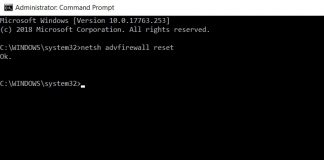
How To Restore Windows Firewall Settings To Default Using Command Prompt?
The Windows Defender Firewall application is
developed by Microsoft and comes inbuilt with Windows operating system. The functions
of Windows Firewall are to filter and check...
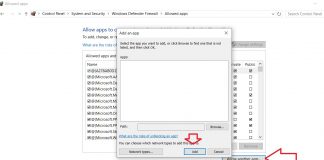
Windows Firewall Has Blocked Some Features Of The App- Probable Solutions
Windows Defender Firewall is the security guard of your
Windows computer. Windows Firewall is a vital application developed by Microsoft
and comes with every Windows PC...
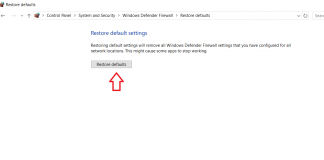
How To Restore Windows Firewall Settings To Default For Windows 10?
Windows Defender Firewall is a vital application
that works silently in the background of your Windows computer and takes care
of all security related settings of...

How To Disable Your Webcam on Windows 10?
Webcam is now a source of virus attack for many users. Many a times, the user does not even get to know that he/she...
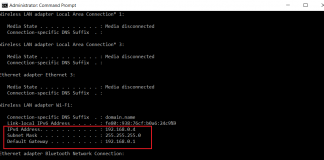
How To Create an FTP Server on Windows 10 to be...
When you are trying to set up an FTP server on your Windows 10 PC, you need to go through a lot of processes...