


What Is Crdownload File? How to Open Crdownload File?
While downloading any video files, music files etc. from the internet, you must have came across crdownload files. These are nothing but temporary files...
What Is Windows Modules Installer Worker?
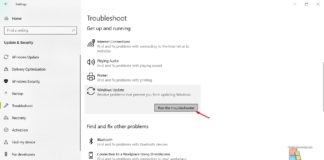
Windows solely rely on many supporting services and processes running in the background for excellent user experiences. Windows Modules Installer Worker is one of...

How To Fix c000021A Fatal System Error On Windows 10?
Windows is working hard in supporting varieties of hardware(CPUs, GPUs) manufacturers, and with the recent update, you might be seeing c000021A error on your...
How To Add/Remove “Console Lock Display Off Timeout” To Power Options...
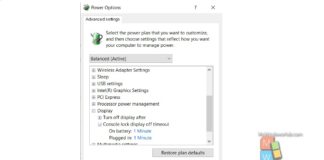
Console lock display off timeout is the time required by Windows to remain idle with no activity on the lockscreen, when you lock the...
How To Add Or Remove “Device Idle Policy” From Power Options...
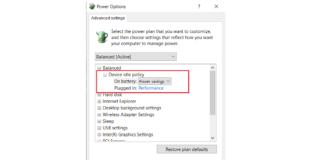
The Device Idle Policy is not added to the Power Options be default in Windows 10. You need to add it. The process is...

How To Enable/Disable VPN Page In Settings In Windows 10?
Being system administrators, it is challenging to control user activities and gain sufficient control over it. This requires proper skillset and proper tools. And...
How To Disable F1 Help key In Windows 10 To Avoid...
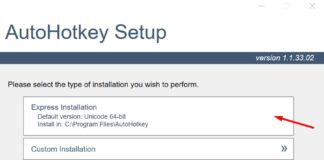
In Windows devices, the function keys(F1 to F12) have got specified roles such as performing some quick tasks without doing much. The F1 key...
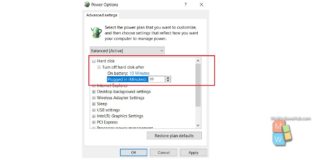
How To Change “Turn Off Hard Disk After Idle” In Windows...
You can change "Turn off hard disk after Idle" in two ways. One is by changing the Advanced power Options, and the other method...
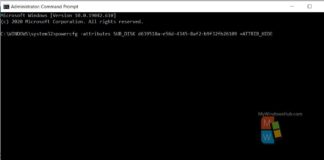
How To Add/Remove Primary NVMe Idle Timeout From Power Options In...
Nowadays, advanced computers have replaced the classic HDD and use NVMe devices for storing data. NVMe is the acronym for Non Volatile Memory Express....

How To Hide/Show ALT+TAB Background Windows In Windows 10?
Windows 10 brought a very interesting feature along with it, called the Task Switcher. The task switcher enables users to switch among various applications...