

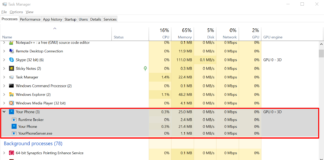
What Is Yourphone.exe On Windows 10? Is It Harmful?
If you are a Windows 10 users, you must have seen the yourphone.exe file on your PC. Many users ask the question is yourphone.exe...

How To Fix The Performance Issue With Wsappx On Windows 10?
In our previous article, we have explained what is wsappx and why it is consuming so much resources in the background while using the...
What Is Wsappx On My Windows PC? Why Is It Running?
Have you ever felt your Windows is consuming more CPU resources after upgrading from Windows 7? From Windows 8 onwards, Windows had introduced the...

How To Fix The Event ID 455 ESENT Error On Windows...
ESENT is a part of the database search engine in Windows 10 operating system. Often users encounter an error issue with ESENT, mostly associated...
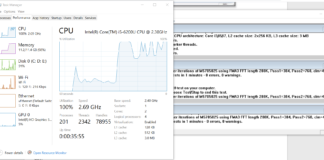
How To Use Prime95 To Stress Test CPU on Windows 10...
Have you ever wondered what the maximum clocking speed of your CPU is? For a regular user, this might not sound fascinating; but for...

What Is DirectX In Gaming? Is DirectX Important?
First introduced in 1996, in the Windows 95 version, DirectX is the main reason behind the insane craze for Windows in gaming. It allowed...
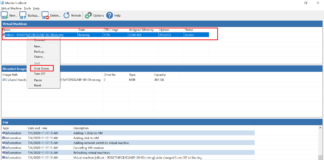
How To Create Virtual Machine On Windows 10 Using Macrium Image?
In our last advanced Windows 10 tutorial on Macrium Reflect free edition, we have discussed the steps on how to take the system back...
How To Restore Windows Photo Viewer On Windows 10?
Over the decades, Windows has been using the same photo viewer as the default application in the operating systems. Yes, we are talking about...
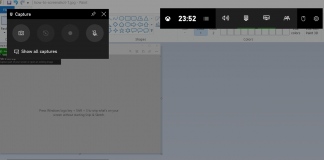
How To Screenshot On Windows 10?
The simplest way to screenshot on Windows 10 OS is the use of the "Print Screen" key on your keyboard. The Print Screen key...

How To Convert Files From LaTex To MS Word Using Pandoc?
In our previous article, we introduced the open conversion tool Pandoc to convert files and discussed a few essential concepts, including layman of Markdown...