

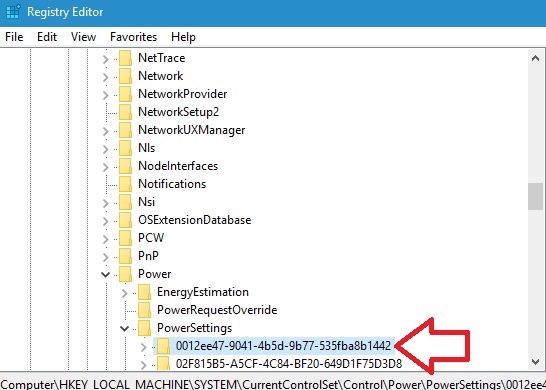
Add ‘AHCI Link Power Management – HIPM/DIPM’ to Power Options in...
The AHCI Link Power Management - HIPM/DIPM power option is a link power management option. This setting enables you you to configure the...

How To Change Keyboard Layout With A Keyboard Shortcut In Windows...
Windows operating system provides multiple language support for users. This you can use English, Germany, French, Zulu, Hindi or any number of languages you...
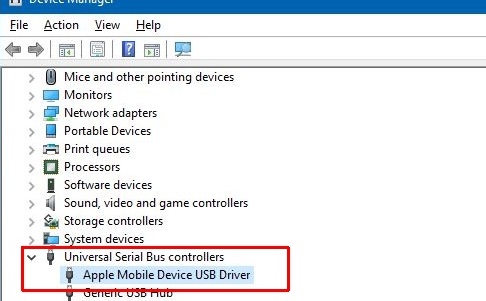
How To Fix iPhone Not Showing In File Explorer In Windows?
iPhones are now no longer flawless like it used to be some years ago. iOS versions are coming with bugs and this shows up...
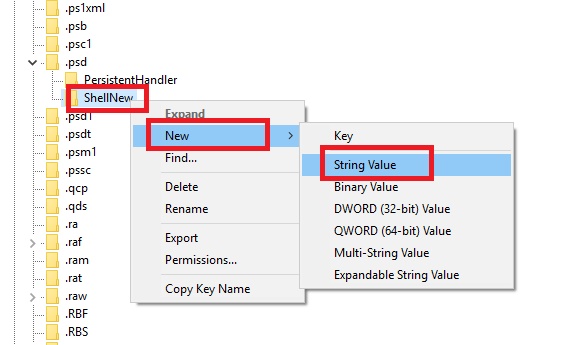
How to Add/Remove Apps from the New Item Menu in File...
File Explorer underwent a huge makeover with Windows 8. With a revamped user interface and several new features, Windows 10 has brought forward the...
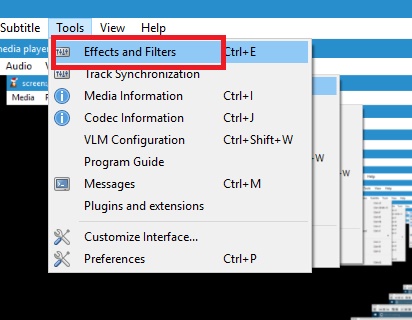
How to Project a Part of Your Screen in Windows Operating...
We know that Windows operating system allows screen projection to a second display. This feature is nothing new and has been a part of...
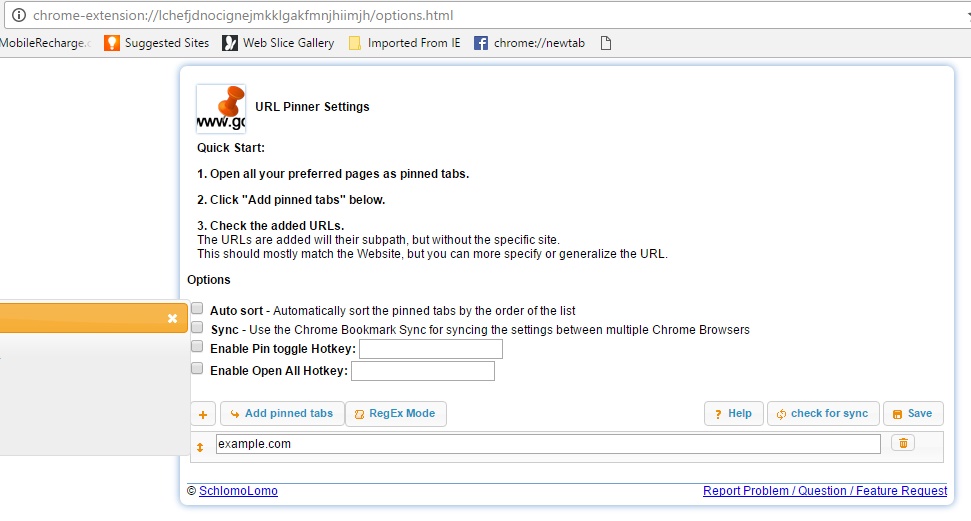
How to Pin and Unpin The Current Tab Via A Keyboard...
If you use Chrome browser, you must know about pinning tabs. Chrome allows users to pin tabs. The pinning of tabs is important for...
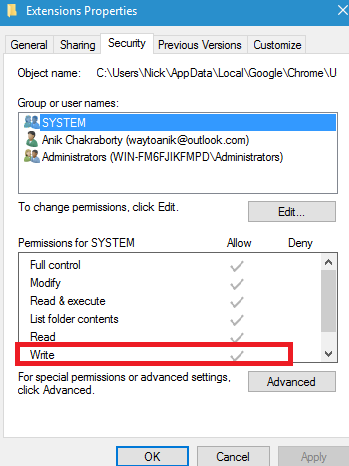
How To Prevent A User From Installing Or Running Extensions In...
Windows can restrict users from opening certain websites, or apps or software if it has Administrative rights. Windows Admin can filter the amount of...
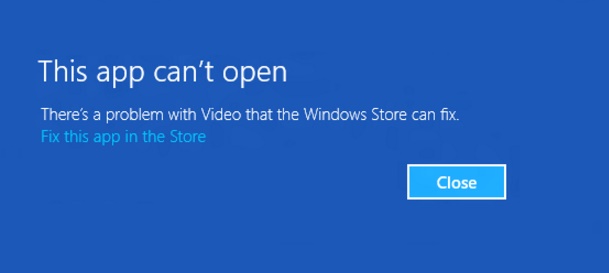
How To Re-register a Specific App for Current Account in Windows...
There are times when you want to open certain Windows 10 Universal Apps, but the apps don't open and display the following message "This...

How to See if Process is Running as Administrator (elevated) in...
While using Windows 10, you must have noticed that there are certain processes that needs to have Administrative rights to operate. For e.g. Command...
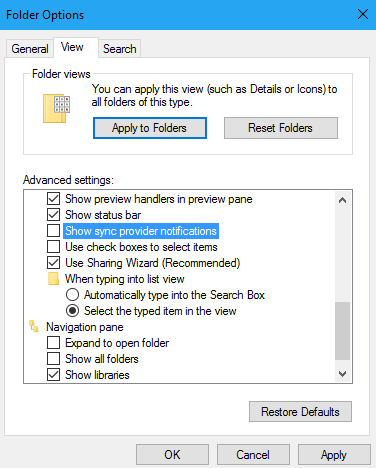
How to Hide or Show Sync Provider Notifications within File Explorer...
Windows 10 Build 14901 has introduced a feature which is testing out new notifications within File Explorer. It aims to find out new ways...